
I haven’t posted for quite some time. Actually … over a year. It’s been challenging and very difficult times, where I had to take care of the health of both of my parents. My sweet Lauraine, the love of my life, has been incredible throughout these months. I cannot stress how grateful I am for her to be in my life. She supports me more than I can wish for, and warms my heart each and every second. It is still an almost day-to-day challenge situation, but things are getting better. We feel now confortable enough to take a bit of time off … and therefore I’m posting again. I missed that. A lot.
Let’s move on to more cheerful news, shall we?
I’m more than enjoying my day job, which now also includes fighting back against old nemeses of mine (M$ and its lobby proxies) in various standardization bodies and European organizations. Nice! I’m also working with a CEA research lab on some state-of-the-art data related technological subjects. And my PhD student brilliantly defended his thesis. He was recently awarded a well-deserved innovation prize for his brilliant work. I’m so proud of him!
On the hobby front, retro-computing has been such a big part of my moments of peace, that I started a YouTube channel: https://www.youtube.com/@quantum-bits-org !
Nothing big, achieving a shy 99 members at this very moment. Yes, after almost one year, this may not seem very, very impressive. Still, I’ll be so proud to reach the 100th subscriber milestone soon !
For now, the channel only deals with retro/vintage computing. Hopefully, also on some of tech / science and nerdy stuff. After all, the moto of the channel is “Quantum physics, Retro computing and Geeky stuff“. We’ll see how it goes !
It is still rough and not at the level I wish it were. I don’t have a sound-proof studio and my voice sounds like shit when recorded. And … I’m not even mentioning noise from the street or the occasional barks from my dog. Recording sound is hard work.
For now, I’m using an AI text-to-speech (a.k.a TTS) tool for voice overs. And to be very clear, because the subject is controversial : not LLM junk, but good old-fashioned TTS is used. No AI slop / LLM, neither for voices, images, animations, drawings nor writing texts. Still, even though TTS has done a lot of progress, I am not happy with the results. Therefore, I’m working at this very moment on better sound equipment, and … you’ll be hearing my own horrible voice and French accent soon enough.
I’m also learning video editing. The first videos were made using iMovie (yes, I’m still a freaking Apple fanboy). I’m currently switching to DaVinci Resolve. Things will get better, but my workflow is still very slow: only 4 repair videos have been published.
It is still amateurish. But it will get better. Sooo … let’s start with the first videos that were published (about a year ago …). Which – of course – were dedicated to the Amstrad CPC, my first home computer.
First video: Amstrad CPC 464 : Case & Keyboard
Please, don’t be harsh ! This was my very first YouTube video, and it is very amateurish.
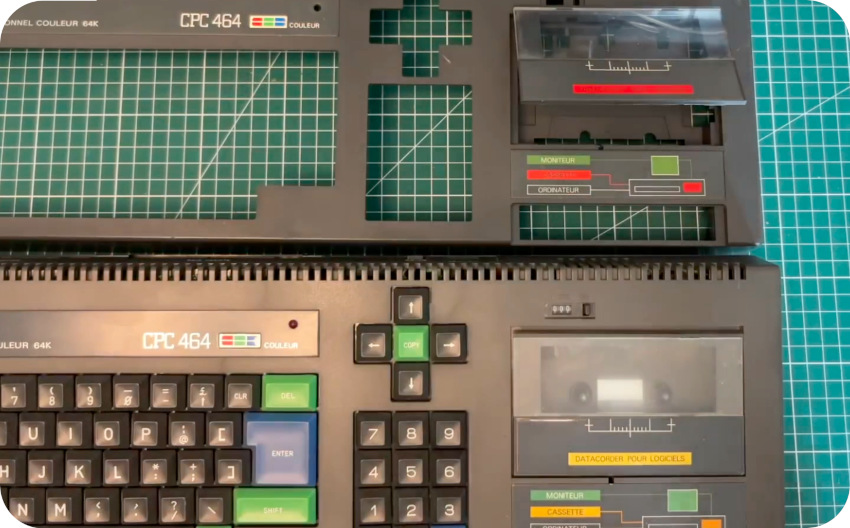
I had previously worked on a Commodore 64, therefore I felt that I HAD to spend more time with my beloved Amstrad CPC 464. I decided to start the channel with a 3-parts video, starting with taking care of the case :
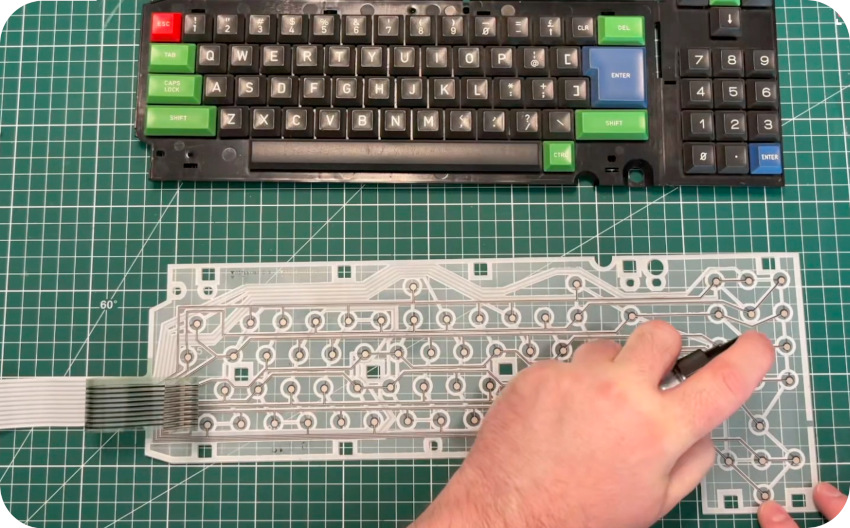
… and fixing the keyboard, which had seen better days:
Here is the full video:
Second video: Amstrad CPC 464 : DDI-1 & DDI-5
The second video was a dedicated to floppy drives. After years (!) searching for an Amstrad CPC Floppy disk drive (DDI-1) and its controller (FDI-1), I finally found one online … at a reasonable price. Awesome ! This second video is focused :
- The floppy Disk Drive (DDI-1) and Floppy Disk Controller (FDI-1)
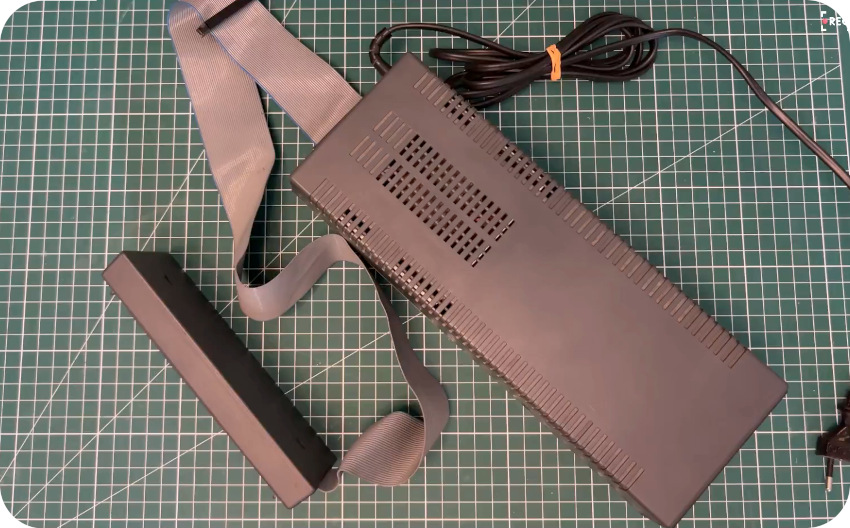
- Zaxon’s DDI-5, which combines a 512Kb RAM expansion, a Floppy Disk Controller as well as a floppy disk emulator (using a USB stick)
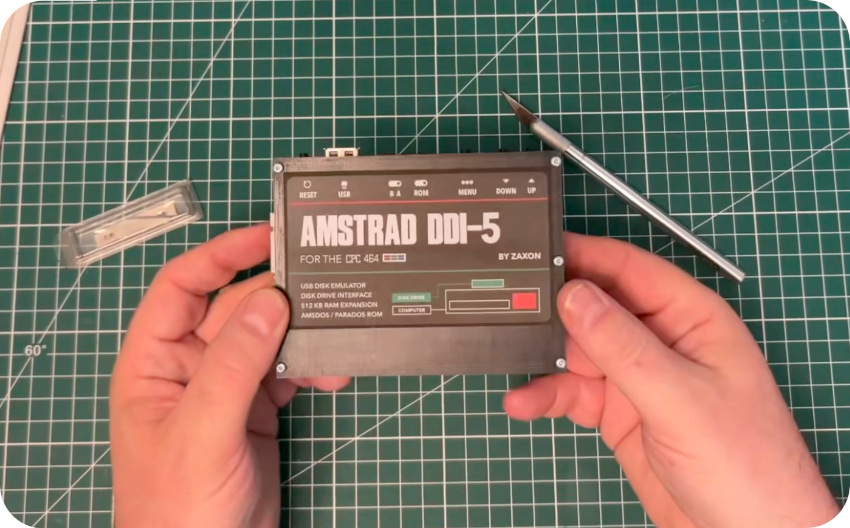
In the last part of the video, I showed how it is possible to use the DDI-5 to control both FDI-1 (as drive A for example) and the USB stick (as Drive B for example) and how to image physical 3″ disquettes into digital .DSK files, and, conversely, how to copy a .DSK image onto a physical disquette (via Discology).
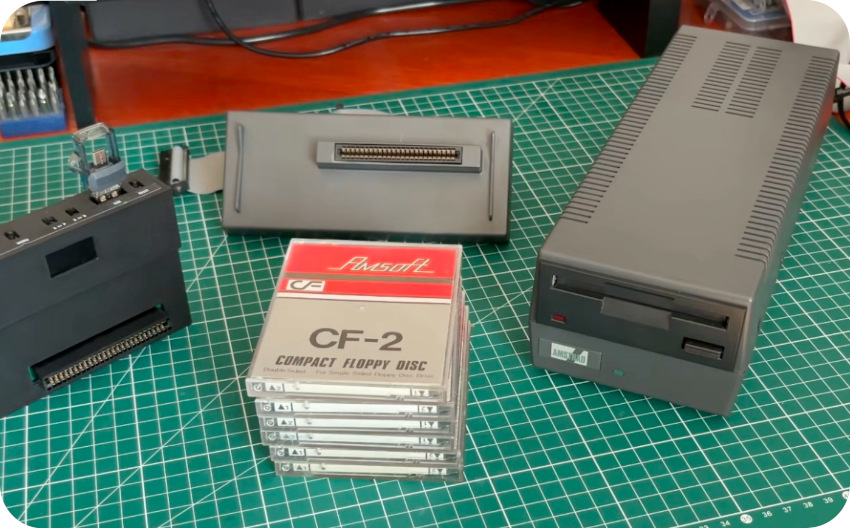
Here is the full video:
Third video: Amstrad CPC 464 : DDI-1 & DDI-5
In the third video (which wasn’t very successful), I focused on fixing a good old QuickShot II joystick and restoring an AMX Mouse:
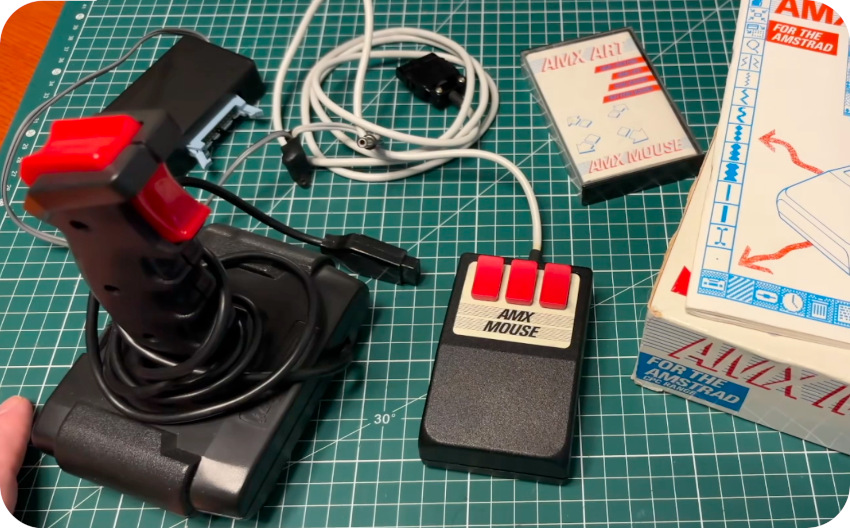
The DDI-5 RAM expansion is also demonstrated (as well as the mouse) using the SymbOS multitasking system for the Amstrad CPC:
Here is the full video:
And … that is that ! I am really grateful for the nice feedbacks and encouragements from the retro computer community for these very first baby-step videos. Special shoutout to Lee from More Fun Retro !
Spoiler Alert: the next post will be focused on the Thomson MO5 and the YouTube video dedicated to the little French 8bit computer !